Youbloom

Youbloom is a platform that connects fans, artists, and show creators through live events and music experiences. This project focused on improving the dashboard experience by addressing usability challenges and creating a more intuitive, consistent, and scalable system for all user roles.
Inspiration and Personal Experience
Navigating dashboards and managing account settings across different user roles can be challenging, especially when the experience lacks structure and consistency. For platforms like Youbloom, where users interact as fans, artists, and show creators, the absence of clear navigation and feedback can lead to confusion and reduced engagement.
A common issue observed across the dashboards was the lack of a centralized and intuitive system for managing user information and settings. Users often encountered long, unstructured forms, inconsistent layouts, and missing features such as password management. In some cases, actions like saving details did not provide clear feedback, making the experience feel incomplete and uncertain.
Additionally, switching between different roles was not seamless, and the absence of a unified design system made the platform feel disconnected. This created friction in user journeys and increased the effort required to perform simple tasks.
To address these challenges, the Youbloom dashboard redesign focused on:
- Creating a unified and consistent experience across all user roles
- Introducing centralized account management features such as profile settings and password updates
- Simplifying long forms into structured, easy-to-navigate sections
- Improving feedback and clarity after user actions
- Streamlining navigation and reducing unnecessary complexity
By restructuring the dashboards and enhancing the overall user flow, the platform moves toward a more intuitive, scalable, and user-friendly experience, enabling users to interact with the system more confidently and efficiently.
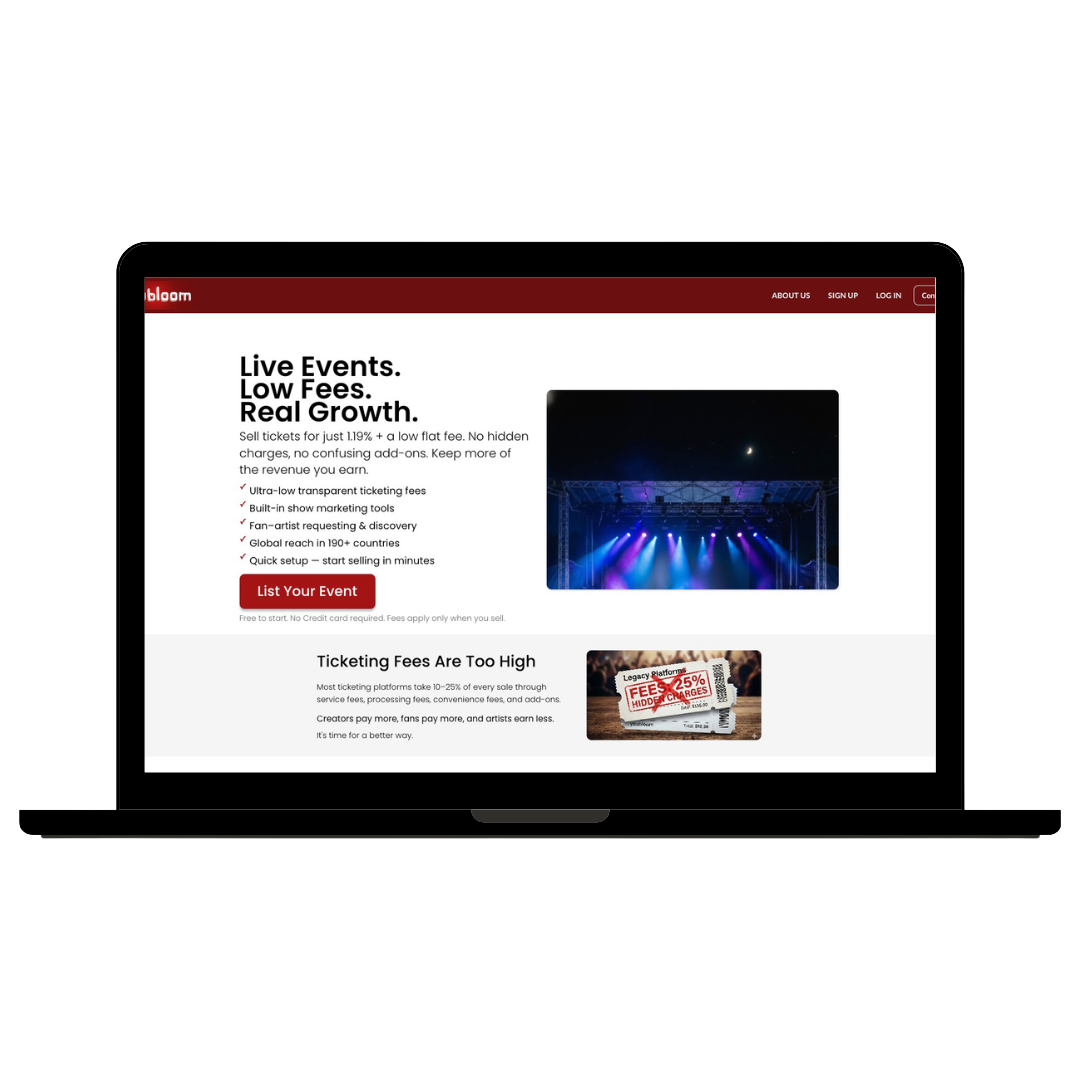
PROBLEM
Users on Youbloom often face challenges in managing their profiles, navigating dashboards, and accessing essential account features across different roles such as fans, artists, and show creators. The existing system lacks a clear and consistent structure, making it difficult for users to efficiently complete tasks and understand where to find important settings.
A key issue is the absence of a centralized account management system. Users are unable to easily access features like password updates or profile settings, and in some cases, actions such as saving details do not provide clear feedback. This creates uncertainty and reduces user confidence in the platform.
The dashboards for different user roles were developed at different times, resulting in inconsistent layouts, unstructured forms, and varying design patterns. Users often encounter long forms without clear sections, leading to fatigue and increased effort while entering or updating information. Additionally, switching between roles is not seamless, further complicating the user experience.
New users, in particular, struggle with understanding the flow of the platform after signing up. The lack of a guided onboarding process and clear navigation makes it difficult to transition from account creation to using the dashboards effectively.
Despite offering valuable features for event discovery and management, the absence of a unified and intuitive dashboard experience limits user engagement. A structured, scalable, and user-friendly system is essential to improve usability, build trust, and support the platform’s growth.
Wireframes & Feature Development
During the exploration and ideation phase of the Youbloom dashboard redesign, I focused on addressing key challenges faced by users across different roles — managing profiles, navigating dashboards, and accessing essential account features efficiently.
To ensure a seamless and intuitive user experience, I carefully mapped out the user journey, from signing up to managing information within Fan, Artist, and Show Creator dashboards. The goal was to create a structured and predictable flow where users could easily understand what to do next without confusion.
Essential features were conceptualized, including:
- A centralized profile system where users enter their basic details once and reuse them across all dashboards
- A dashboard selection flow allowing users to switch between Fan, Artist, and Show Creator roles seamlessly
- A profile dropdown for quick access to account settings such as edit profile, password management, and logout
- A structured form layout, breaking long inputs into clear sections to reduce user fatigue
- A feedback system to confirm actions like saving details, improving user confidence
- A consistent dashboard layout across all roles to ensure familiarity and ease of navigation
Wireframes were created to visualize these improvements and establish a clear hierarchy, layout consistency, and logical flow across the platform. This phase helped translate complex requirements into simple, user-friendly interfaces, forming the foundation for a scalable and cohesive dashboard experience.
- A real-time event feed for instant updates
- Easy RSVP and registration options to eliminate reliance on emails
- Integrated navigation tools to help students locate event venues effortlessly.
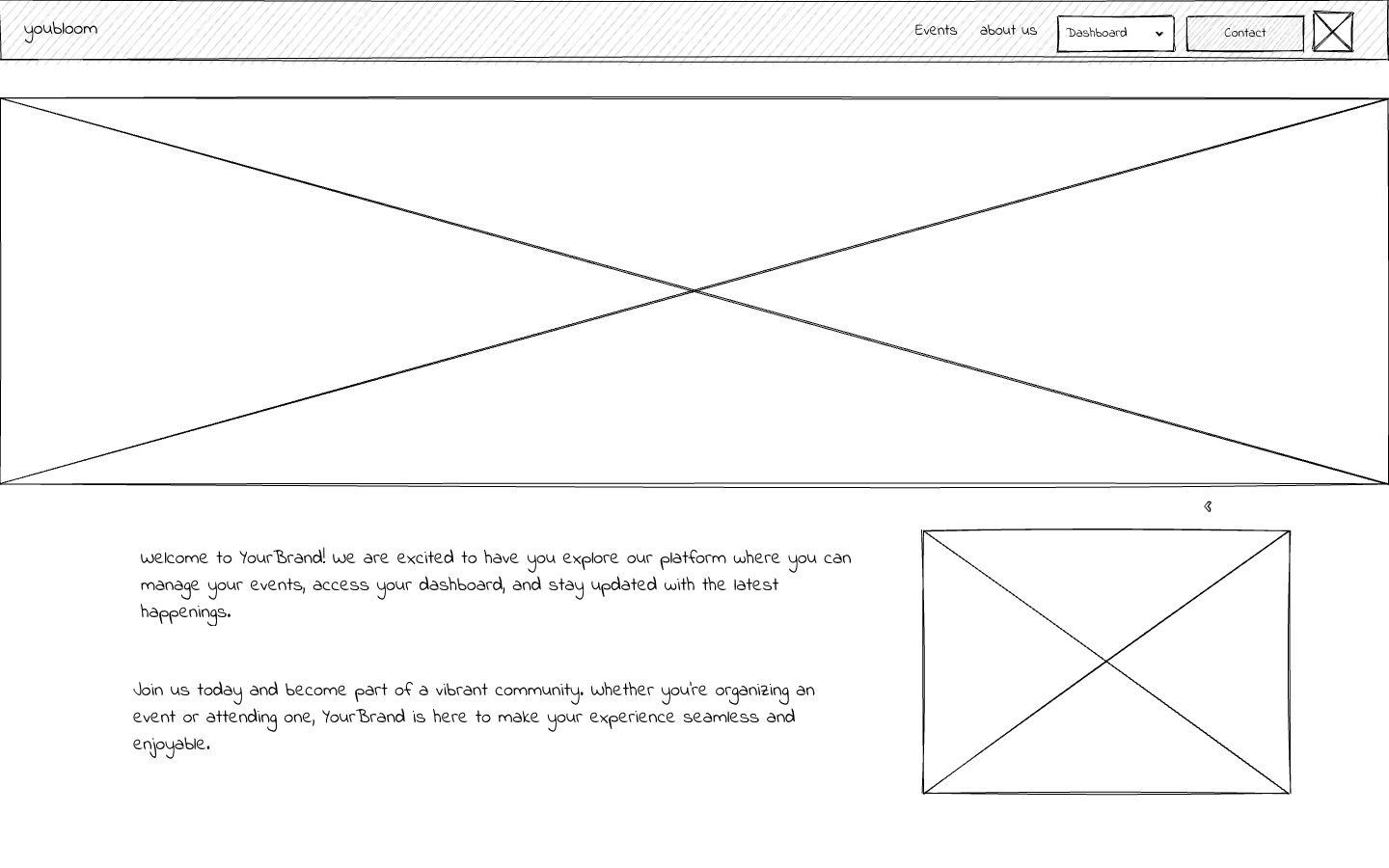
User Insights
To better understand the challenges within Youbloom’s dashboards, I analyzed how different users Fans, Artists, and Show Creators interact with the platform. Despite having different goals, all users shared a common expectation: completing tasks quickly and with minimal effort. However, the existing experience required users to navigate long, unstructured forms, inconsistent layouts, and unclear flows, making even simple actions feel time-consuming. Additionally, the lack of clear feedback after actions such as saving details created uncertainty, reducing user confidence in the system.
Another key insight was the mismatch between user expectations and the platform structure. Users naturally look for account-related features like profile settings or password management in familiar places such as a profile dropdown, but these patterns were either missing or unclear. The inconsistency across different dashboards also increased cognitive load, as users had to relearn the interface when switching roles. Overall, the challenges were less about missing features and more about the need for better structure, consistency, and clarity to create a seamless and intuitive user experience.

Solution
The redesign focused on creating a more structured, consistent, and user-friendly dashboard experience across all roles. A centralized account management system was introduced, allowing users to easily access profile settings and essential features like password updates from a single location.
Long and unstructured forms were simplified into clear sections, and a unified layout was applied across Fan, Artist, and Show Creator dashboards to improve consistency. Clear feedback was also added after user actions, ensuring a more intuitive and confident user experience.